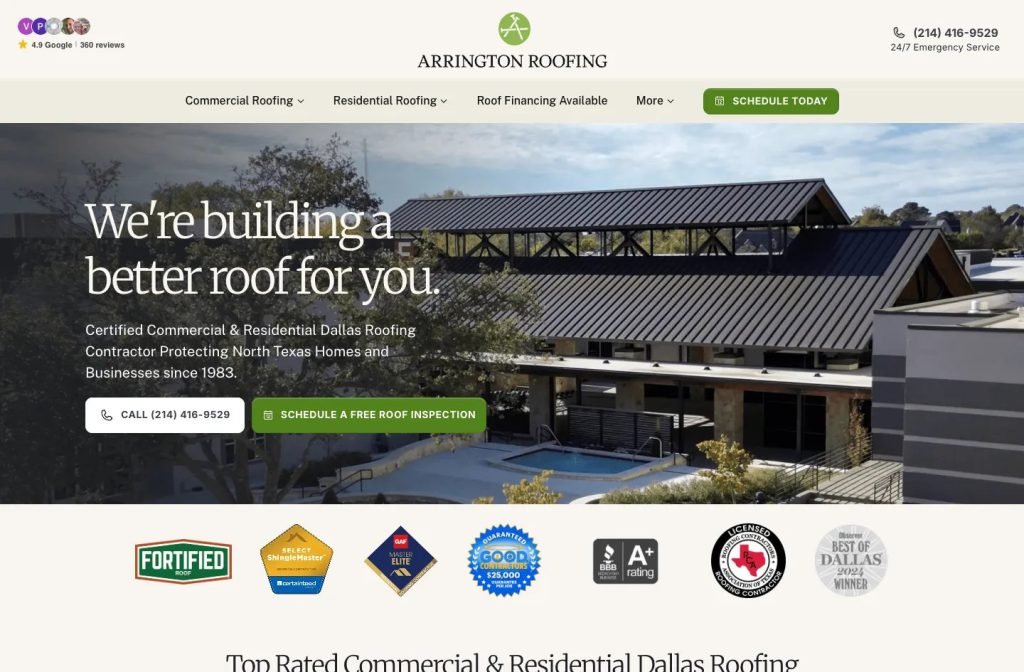
arringtonroofing.com
Case study
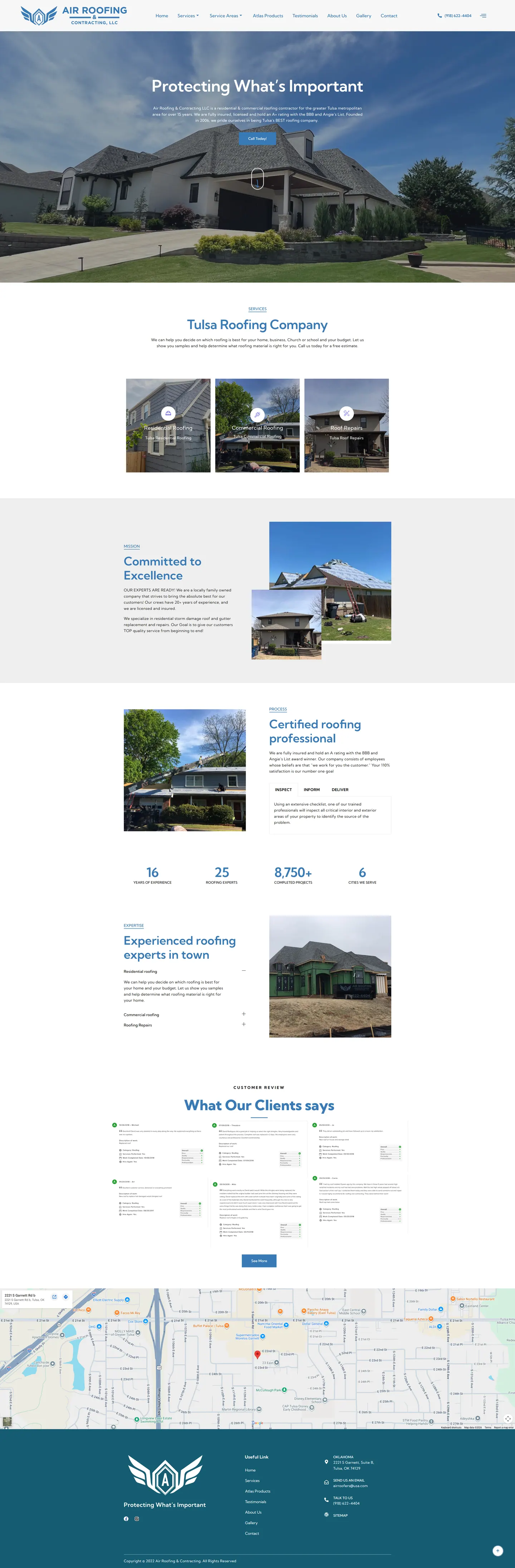
Air Roofing & Contracting LLC.
I built Air Roofing's site for homeowners vetting a roofer from outside a storm-damaged house, often on mobile data. Credentials lead the first screen, services and cities are clearly organised, and heavier sections load lazily so the call button appears fast.
IndustryRoofing
Timeline2022
 HOVER TO SCROLL

// how it was built
From brief to launch.
Storm customers want proof before they call, so I planned this site to show it immediately and load fast on a phone.
-
01 discover
Proof before the call
I found homeowners after a storm check legitimacy first, so credentials had to lead.
-
02 plan
Services and cities
I structured service cards, a city-by-city service area menu and a dedicated shingle brand page.
-
03 design
Winged shield palette
I took sky blue and white from the logo, used the company's own job photos and set contact details on dark teal.
-
04 build
Process and reviews
I built a tabbed walkthrough of the process stages, company counters, imported review cards and an office map.
-
05 optimise
Lazy loading
I deferred loading of reviews and the gallery so the call button stays quick on mobile data.
-
06 ✓ shipped
Shown on the doorstep
The team can now pull the site up for a homeowner, with credentials at the top and a wall of reviews below.
What I did
The build, step by step.
- Credentials on the first screen. The top BBB rating and licensed, fully insured status sit next to a finished shingle roof.
- Every city in the menu. A service area menu lists each city covered, with its own page structure.
- Three service cards. Residential, commercial and repair work get separate cards, plus a page for one shingle brand.
- Reviews with detail. Imported review cards note the kind of job, when it was finished and if the client would use the company again.
- Light on mobile data. Reviews and the gallery load lazily, so the call button and header appear quickly.
Related work
See them all
More Roofing projects.
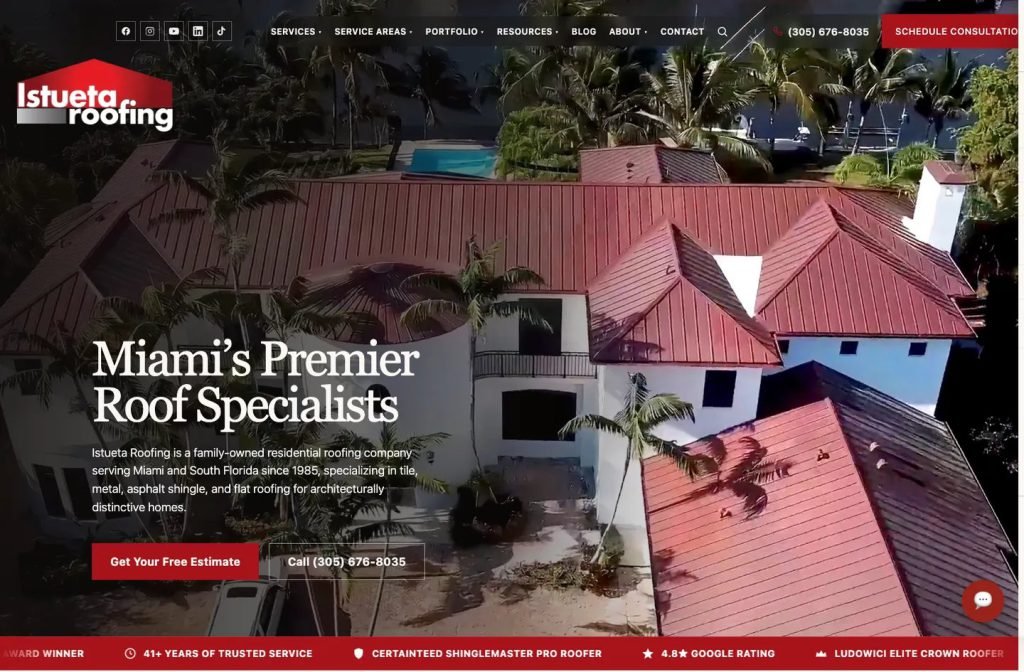
istuetaroofing.com
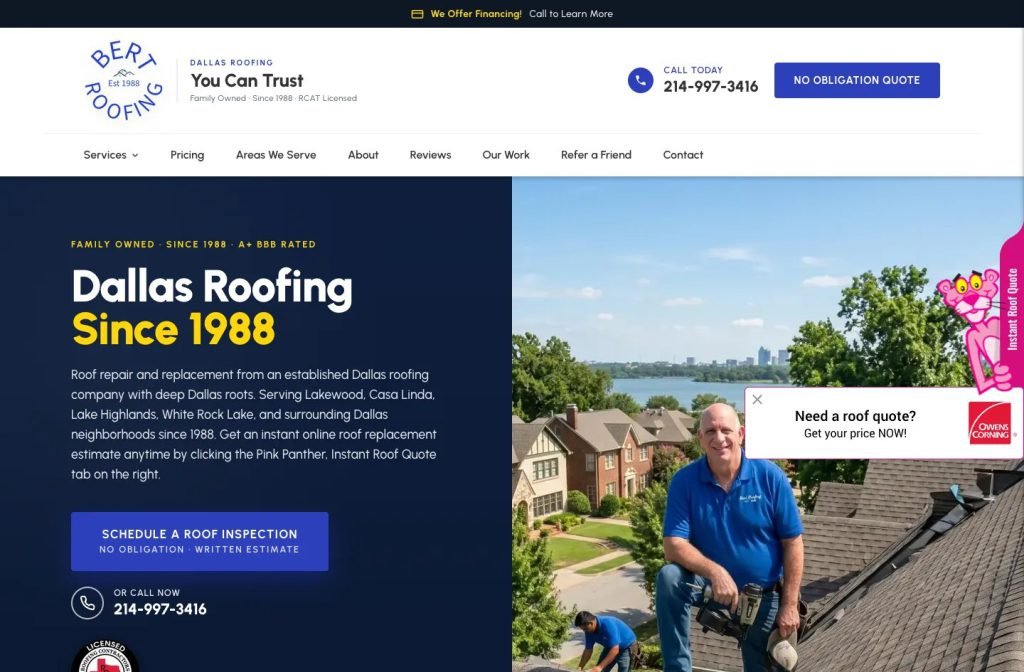
bertroofing.com
Want this for your business?
Send me your URL and I'll reply with a prioritised breakdown of what's costing you enquiries and how I'd fix it. No charge, and no call needed.