irongateassets.com
Case study
Trubees Vault.
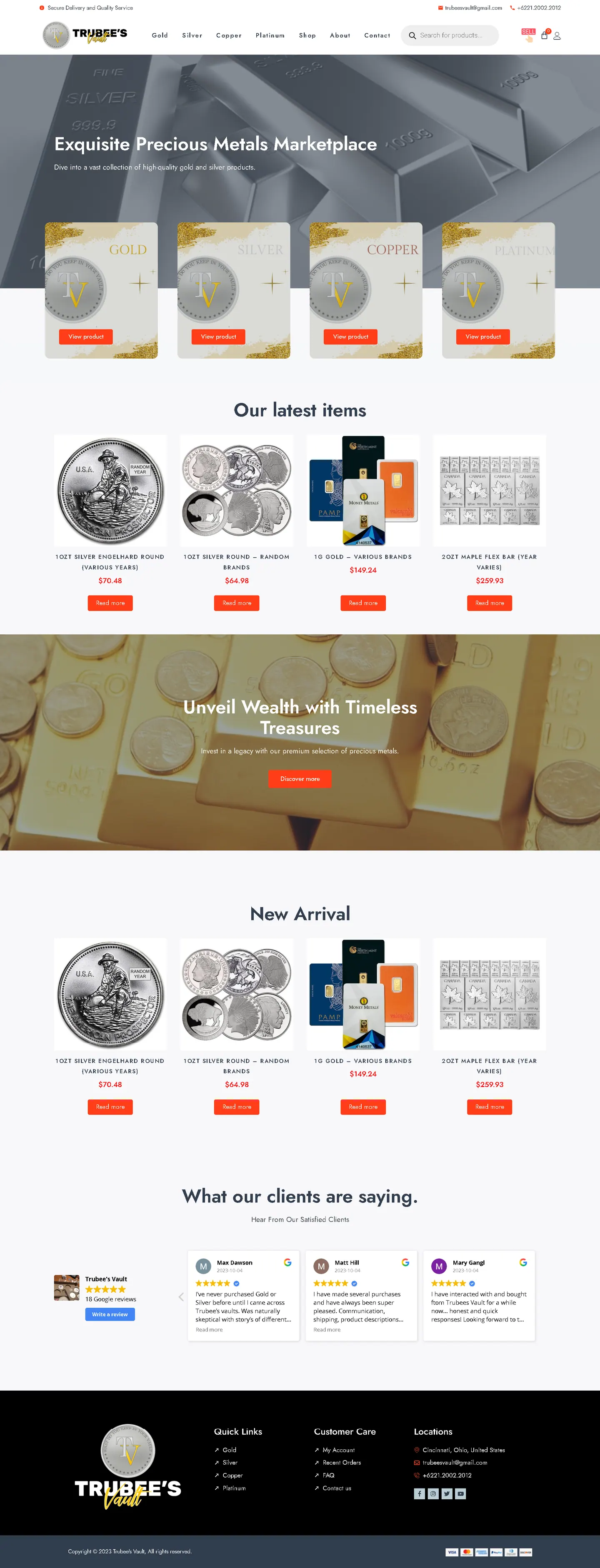
I built Trubees Vault's WooCommerce store to feel like a dependable local coin shop rather than an advert. Metal type is the main menu, a sell badge sits beside the cart, and prices stay right under each product for buyers who arrive knowing what they want.
IndustryLegal & Finance
Timeline2024
Built withWooCommerce
 HOVER TO SCROLL

// how it was built
From brief to launch.
Bullion buyers need trust and speed, so I shaped this WooCommerce build around a real inventory and two clear paths.
-
01 discover
Two-way trade
I mapped out the buying and selling journeys so both were visible before any scrolling.
-
02 plan
Metal-led navigation
I made the four metals the main menu and gave selling its own badge beside the cart.
-
03 design
Between silver and gold
I framed the catalogue with brushed silver bar and gold ingot banners and kept product cards white and sparse.
-
04 build
WooCommerce catalogue
I loaded the dealer's actual rounds and bars, then added product search, customer accounts with past orders and the metal selling inquiry form.
-
05 test
Price placement
I checked every breakpoint to keep prices under product names and the header search easy to reach.
-
06 ✓ shipped
Both sides live
The store opened with buying and selling working, plus a Google reviews panel and payment marks in the footer.
What I did
The build, step by step.
- Choose a metal first. Silver, gold, platinum and copper make up the main navigation.
- Selling is just as visible. A sell badge beside the cart opens an inquiry form for anyone offering their own metal.
- Cards like a price sheet. Plain white product cards keep the price directly below the name at every screen size.
- Accounts for repeat buyers. Customers can log in and review their order history.
- Trust signals in view. An embedded Google reviews panel with a review button and accepted payment marks in the footer back up the store.
Related work
See them all
More Legal & Finance projects.
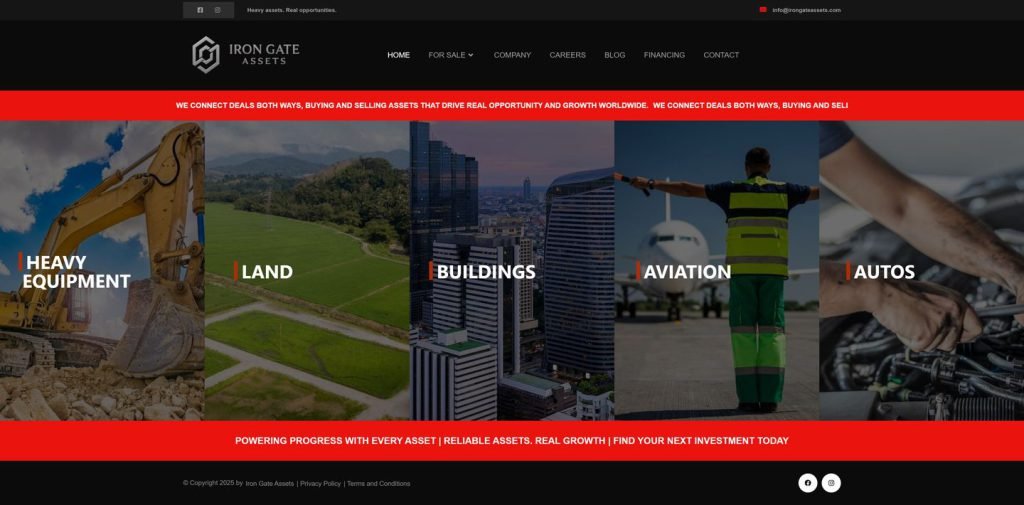
private client site

private client site
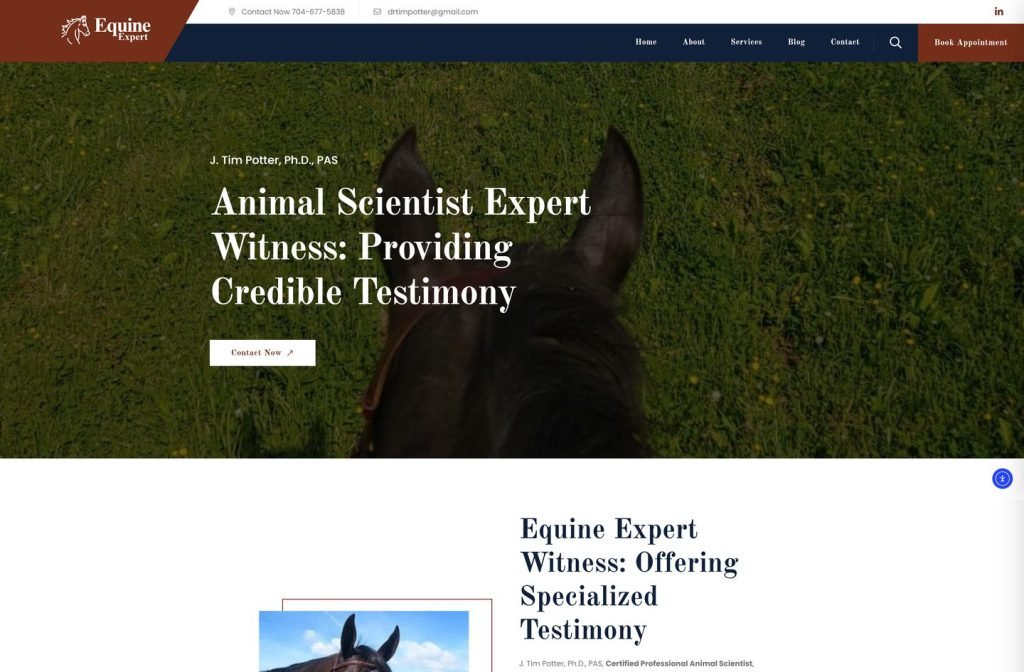
Want this for your business?
Send me your URL and I'll reply with a prioritised breakdown of what's costing you enquiries and how I'd fix it. No charge, and no call needed.