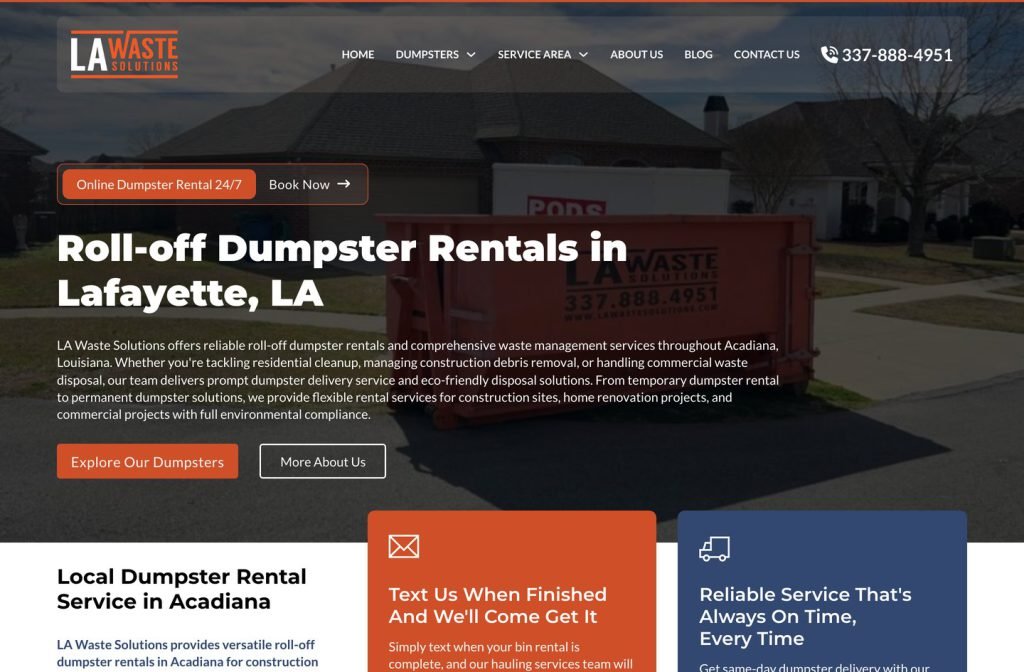
lawastesolutions.com
Case study
My Dumpster.
I built the My Dumpster site around container sizes, because that is the decision every renter is trying to make. Each size gets its own card with dimensions, bag capacity and a booking button, and everything else waits until after that choice.
IndustryDumpster & Equipment Rental
Timeline2026
 HOVER TO SCROLL

// how it was built
From brief to launch.
On a roll-off rental site the order of information matters most, so I planned everything around getting a renter to the right size quickly.
-
01 discover
One real question
Renters want to know which container suits their project, so I made that the entry point and booking the immediate next step.
-
02 plan
Cards first, rules later
I pushed banned materials, placement tips and FAQs below the size range so they support the choice rather than delay it.
-
03 design
Container blue
I built the palette from the company's containers and repeated it in patterned bands, using only photos of its own truck and bins.
-
04 build
Cards and content
I coded the size cards with individual booking buttons, the concrete option, the items comparison table, rental guide, FAQ and testimonials.
-
05 content
Georgia coverage
I added a service area block listing the many Georgia cities the company delivers to.
-
06 ✓ shipped
Contractor on a phone
I checked that every card keeps its specs and booking button in the narrow layout, so someone on a job can pick and book.
What I did
The build, step by step.
- Sizes lead the page. Cards run from the smallest container to the largest, each listing its dimensions and how many bags it takes.
- Booking on every card. Each container has its own button, so nobody has to scroll back up or hunt for a form once they have picked.
- A card just for concrete. Heavy debris gets a dedicated container option that is clearly flagged.
- Rules after the choice. An allowed and banned items table, placement advice and a short how-to-rent guide sit below the cards.
- Real equipment only. I used the company's own truck and blue container photos, and pulled that blue into patterned section dividers.
Related work
See them all
More Dumpster & Equipment Rental projects.
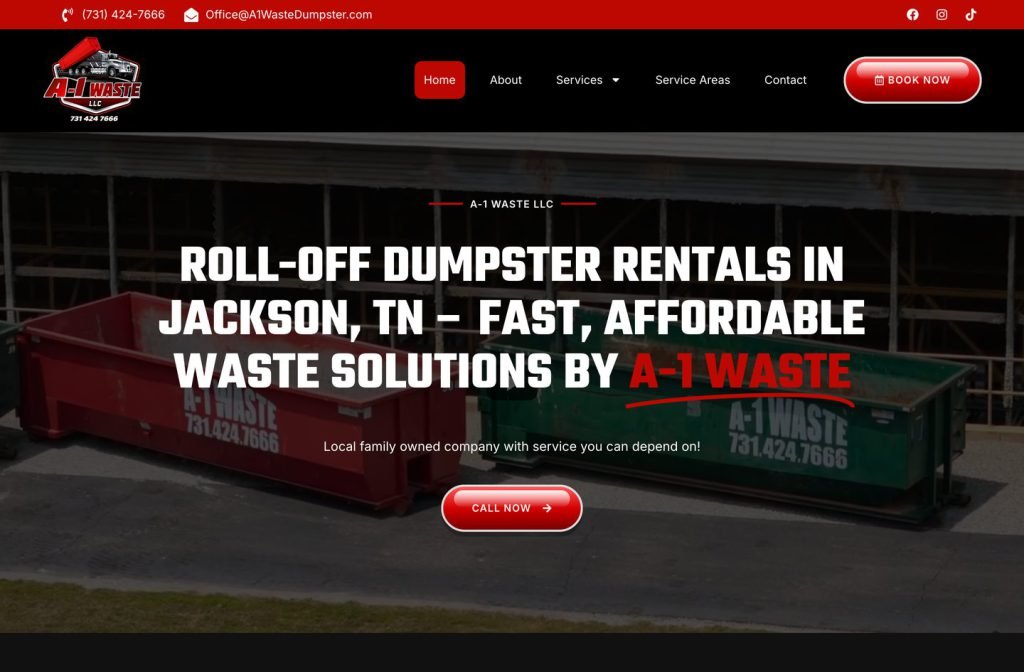
a-1waste.com
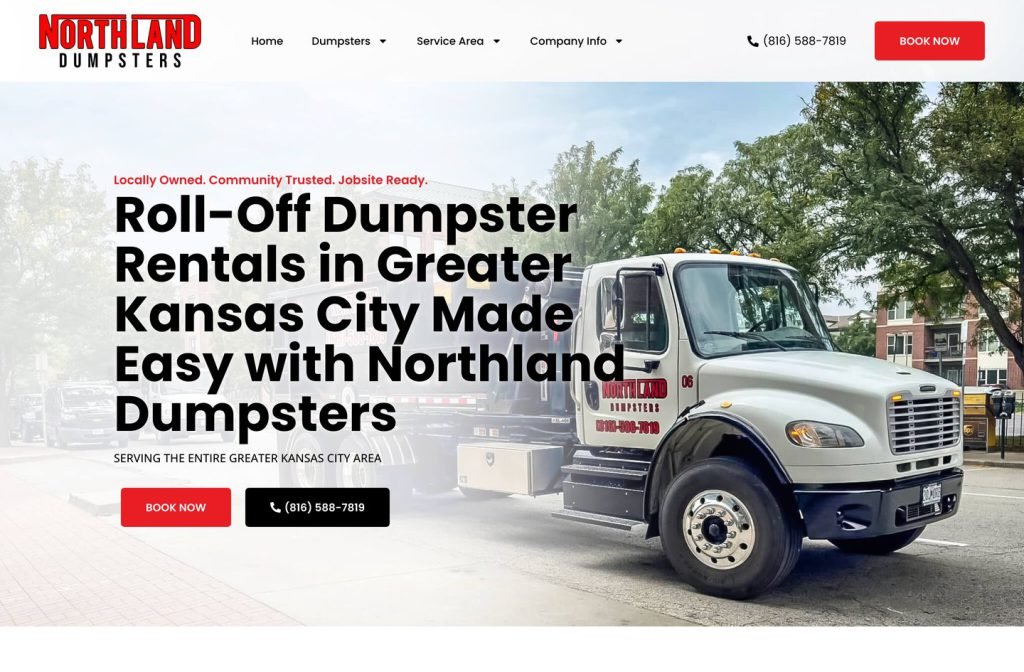
northlanddumpsters.com
Want this for your business?
Send me your URL and I'll reply with a prioritised breakdown of what's costing you enquiries and how I'd fix it. No charge, and no call needed.