private client site
Case study
Construction Expert Witness.
I built this WordPress site for a Chicago firm of construction experts whose clients are lawyers and insurers. The long homepage is laid out like a case file: dispute types, track record, attorney questions and a numbered route from first contact to the final bill, organised so the density never turns into clutter.
IndustryExpert Witness
Timeline2025
Built withWordPress
 HOVER TO SCROLL

// how it was built
From brief to launch.
Legal buyers judge an expert on detail, so this WordPress build was about fitting a lot of evidence into one readable page.
-
01 discover
Buyer scrutiny
I looked at what lawyers and insurers check before retaining an expert: case fit, track record, process and cost.
-
02 plan
Case-file structure
I sequenced the homepage from dispute cards to track record figures, attorney FAQs and the numbered engagement steps.
-
03 design
Navy and amber
I set a navy-tinted site photo behind a short headline and used small amber labels to open each section.
-
04 build
WordPress components
I built the services carousel with arrow controls, the testimonial slider, network logo strip and dated blog cards.
-
05 test
Access and mobile
I added the accessibility toolbar and checked the phone header trims to logo and menu while the hero drops into one column.
-
06 ✓ shipped
Contact paths
I confirmed the call and appointment buttons, the consultation form and the Chicago head office listing in the footer.
What I did
The build, step by step.
- Disputes shown as case cards. I wrote cards around typical problems, such as cracked foundations, a deck that gave way or badly installed plumbing, so lawyers recognise their matter.
- Process from intake to invoice. A numbered path lays out each stage of an engagement so there are no surprises about how billing works.
- Answers for attorneys. A dedicated question section handles the practical points lawyers raise before hiring an expert.
- Two quick routes in. The top bar offers a call button and an appointment button, and the contact form asks for service, phone and email.
- Accessible and dense. I added an accessibility toolbar, a services carousel with arrow controls, testimonials, legal network logos and dated blog cards.
Related work
See them all
More Expert Witness projects.
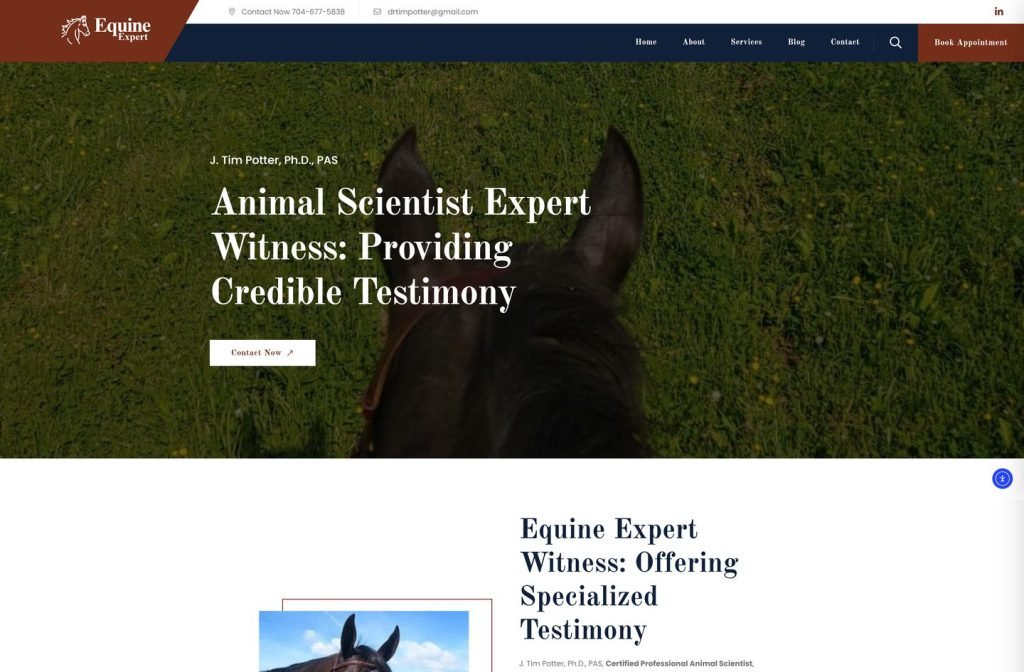
private client site
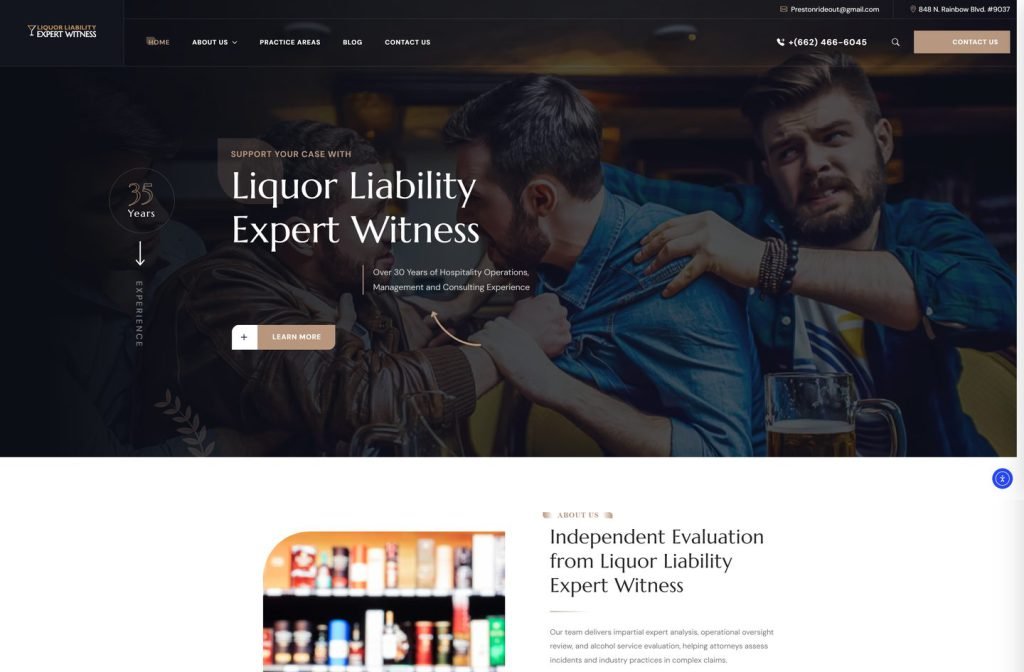
private client site
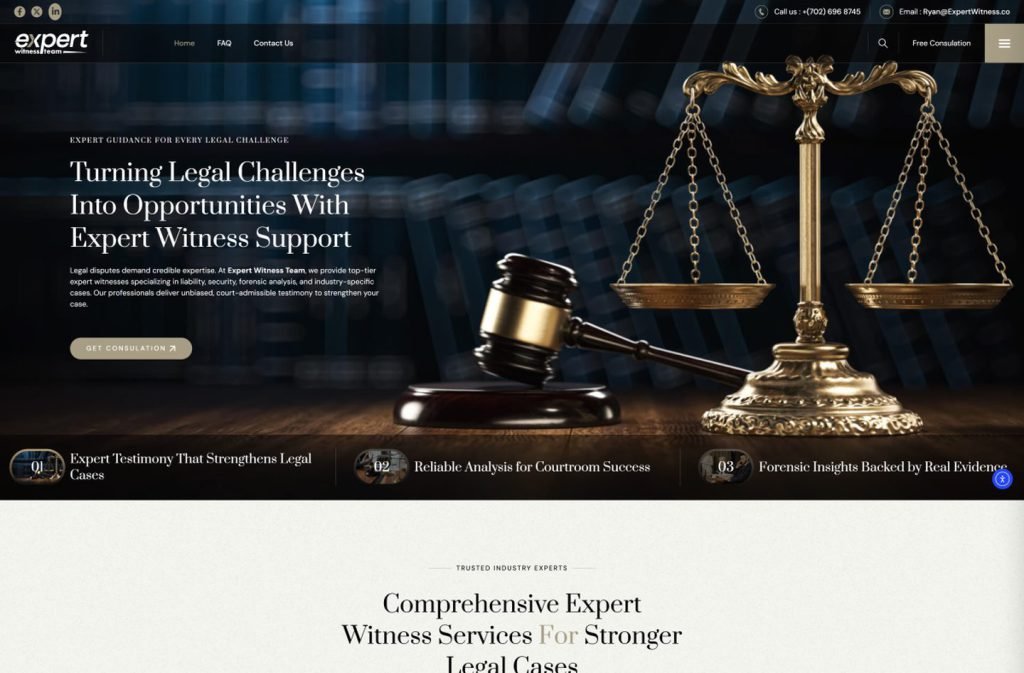
Want this for your business?
Send me your URL and I'll reply with a prioritised breakdown of what's costing you enquiries and how I'd fix it. No charge, and no call needed.