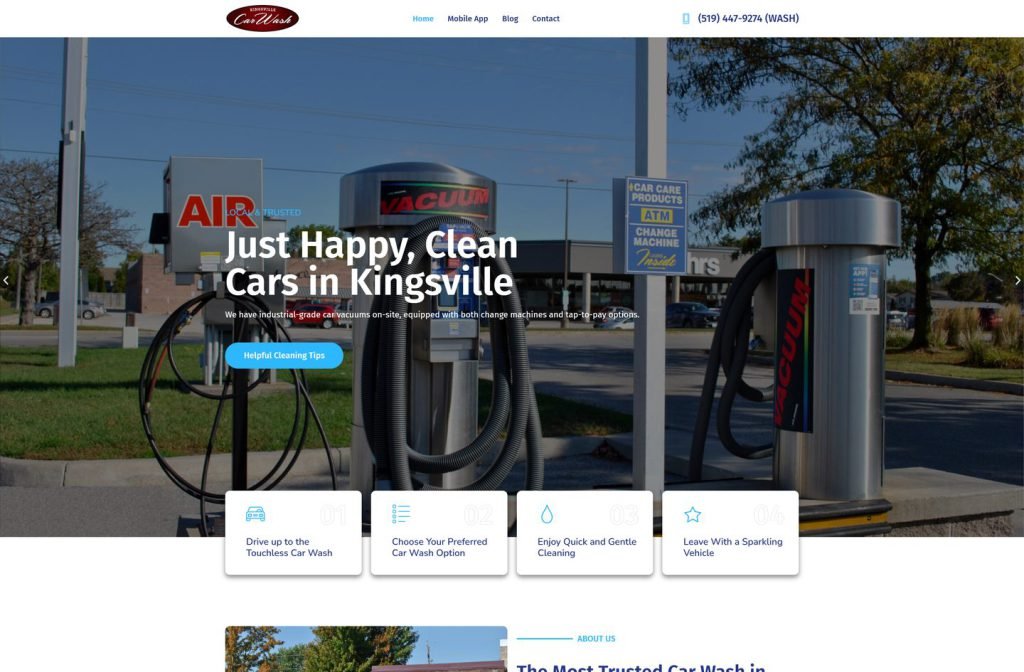
kingsvillecarwash.com
Case study
Etalas Vegas.
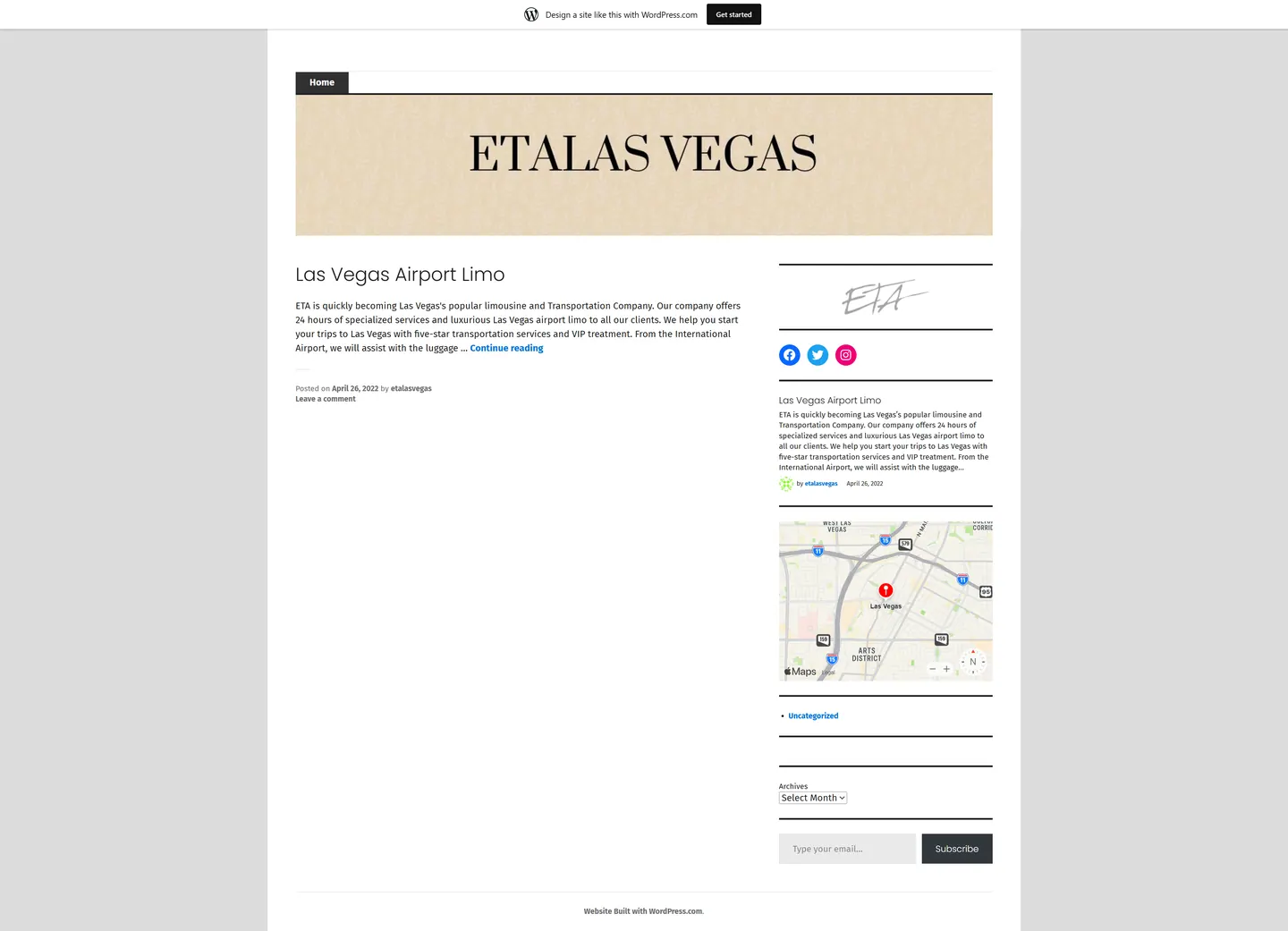
For Etalas Vegas I set up a hosted WordPress site instead of writing custom code. The company was in its first days with a tiny budget, so I chose a setup it could run itself: one launch post doing the selling, a branded masthead and sidebar widgets that need no developer.
IndustryAutomotive
Timeline2022
Built withWordPress
 HOVER TO SCROLL
// how it was built
From brief to launch.
Etalas Vegas needed to be online fast and cheaply, so this timeline is short and every step favours low maintenance.
-
01 discover
Constraints first
I noted the realities: a brand new company, a near-zero budget and a need to look legitimate quickly.
-
02 plan
Lean structure
I settled on one home feed with a launch post and a sidebar instead of a multi-page site.
-
03 design
Masthead branding
I set the beige leaf-pattern banner and serif name, echoed by a matching monogram heading the sidebar.
-
04 build
Hosted setup
I set up the hosted WordPress plan, posted the launch article and added social, map, archive and email widgets.
-
05 test
Phone check
I confirmed the chosen theme dropped to one column, with the map and email signup below the post.
-
06 ✓ shipped
Ready to grow
I handed over a free hosted address that can take news posts and collect subscribers as the service expands.
What I did
The build, step by step.
- No custom code. I set up a hosted WordPress plan so there is nothing to patch or maintain.
- Launch post as homepage. A single post introduces the around-the-clock airport service and carries the sales pitch.
- Classic masthead. A beige leaf-pattern banner with bold high-contrast serif capitals carries the brand, echoed by a handwritten monogram.
- Useful sidebar widgets. Social buttons, a post summary, a Las Vegas map, a monthly archive and an email signup sit beside the post.
- Stock theme by choice. I picked a flexible theme whose layout collapses to one column, placing the map and signup under the post on phones.
Related work
See them all
More Automotive projects.
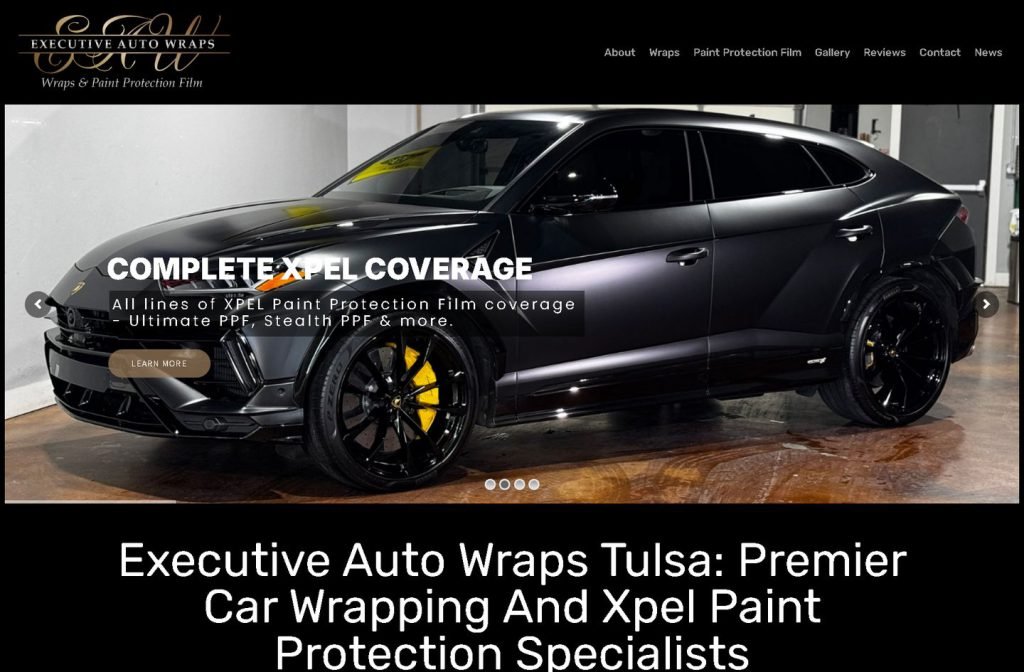
executiveautowraps.com
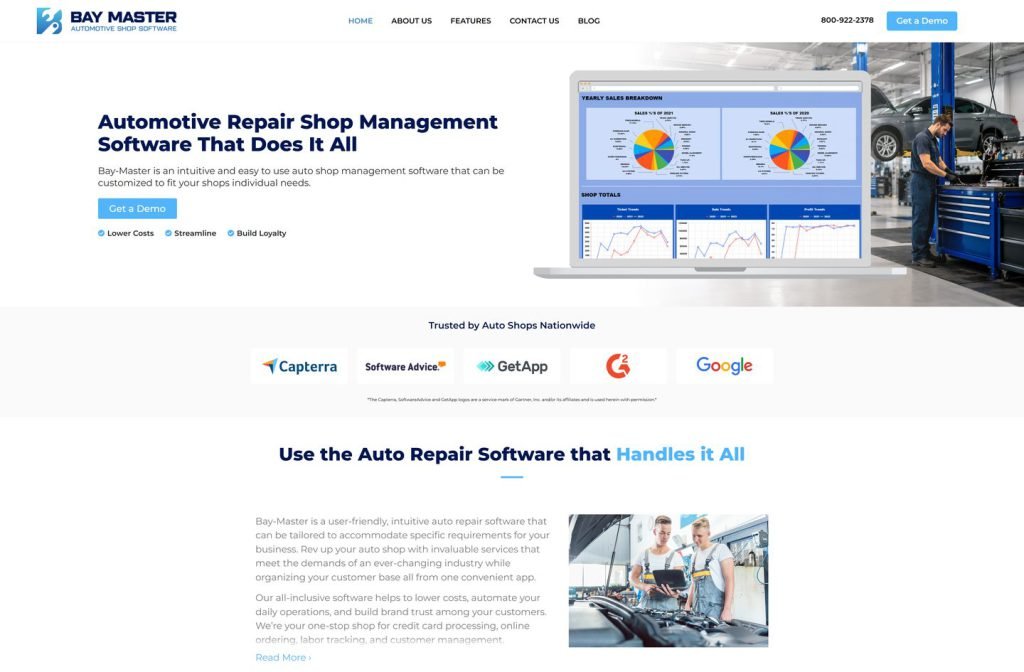
bay-master.com
Want this for your business?
Send me your URL and I'll reply with a prioritised breakdown of what's costing you enquiries and how I'd fix it. No charge, and no call needed.